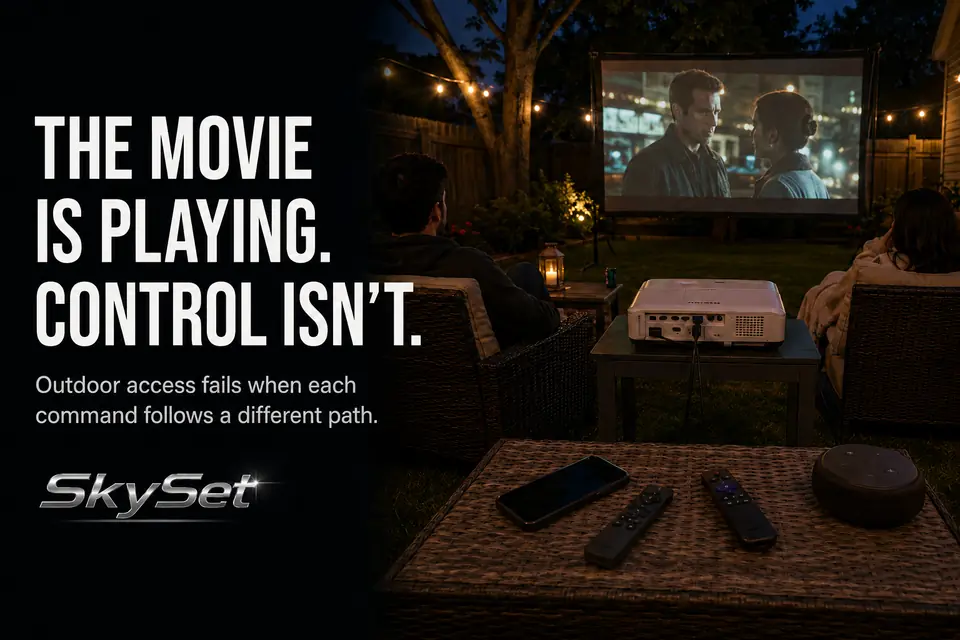
A backyard movie can keep playing even after practical control of the setup has been lost. The projector remote may open picture settings but not pause the movie. The phone app may see the streaming device until the phone changes networks. The streaming remote may handle playback while leaving external-speaker volume untouched.
The common mistake is treating this as one remote-range problem. It is usually a broken command path: someone sends a command, one specific device must receive it, the screen or speaker must confirm the result, and a fallback must remain available if that path fails.
Start by naming the failed action—pause, volume, input, subtitles, or projector settings. Then test the controller responsible for that action from the actual seating area, not while standing beside the equipment.
Remote Range Outside
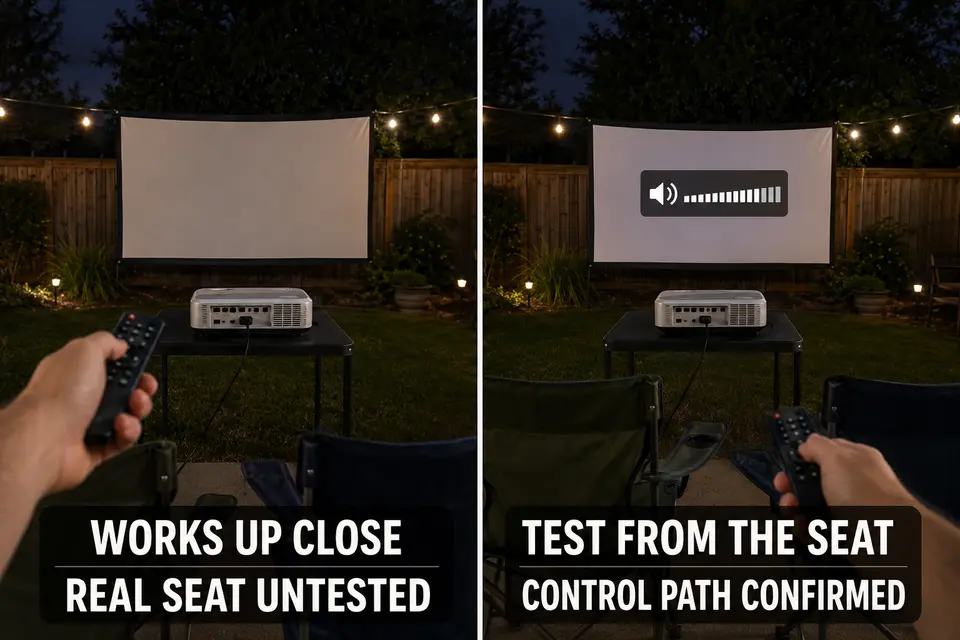
A physical remote passes only when it works from the position where it will actually be used. A successful test beside the projector says little about a seat farther away, off to one side, or behind the receiving sensor.
First determine how the remote communicates. Many traditional remotes use infrared and need a workable path to a receiver. Others use Bluetooth or another direct wireless connection and may function without precise aiming. Appearance alone does not reliably reveal which type you have.
Test the real operating position
Sit in the farthest or most off-axis seat from which someone will control the movie. Test several essential buttons rather than one convenient power command. If performance changes when you aim directly at the equipment, move closer, or stand up, the likely problem is range, orientation, or obstruction.
Inspect the entire path. A projector stand, temporary enclosure, seated guest, blanket, or the projector body itself may block the receiver. A small orientation change can restore control, but it should not compromise projector stability, cooling clearance, or image alignment.
Check the batteries before rearranging the setup. Weak batteries can make an infrared remote unusually sensitive to distance and aim. Also confirm that the remote belongs to the intended device; several similar controllers can make a selection mistake look like signal failure.
App Control vs Physical Remote
Choose the primary controller by its failure dependencies, not by which interface feels more modern. A phone app avoids some line-of-sight problems, but it introduces conditions a physical remote may not require.
The phone must be available, powered, unlocked, and able to discover the correct device. Depending on the platform, the phone and target may also need to remain on the same usable Wi-Fi network.
Internet access on the phone does not prove that local app control is working. The phone can switch to cellular data, join a different network, or retain internet service while losing access to the streaming device. If device discovery repeatedly disappears outdoors, diagnose the wider outdoor streaming and Wi-Fi dropouts rather than blaming the app interface alone.
A physical remote is often quicker for immediate pause, back, or volume commands. It can still fail because of poor aim, weak batteries, lost pairing, or an obscured receiver. An app can be useful for text entry or when direct line of sight is difficult, but calls, notifications, permissions, and phone battery drain can interrupt it.
The stronger setup does not force one controller to do everything. Assign each essential action to a known controller and retain a tested fallback. A phone app might handle playback while the projector remote controls inputs and menus. External-speaker volume may require a third path.
Streaming Device Access
Controlling the projector does not prove that you can control the movie. The projector and streaming device are separate receivers even when their interfaces appear on the same screen.
Confirm which controller handles Home, Back, Play/Pause, subtitles, app navigation, and playback recovery. Test the exact streaming app and account planned for the event. A controller that moves around the home screen but cannot reliably resume the selected movie has not passed.
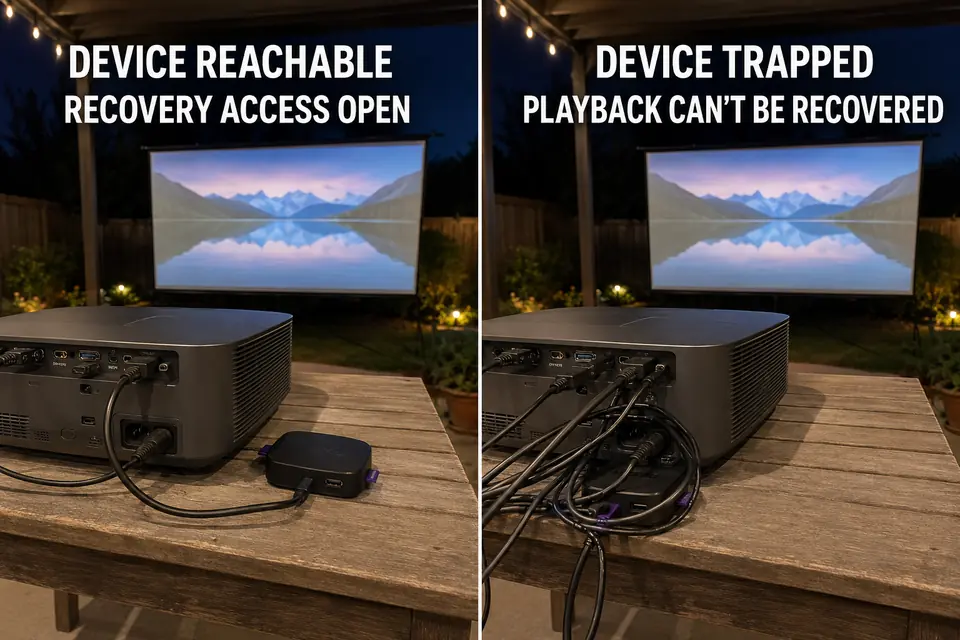
Physical access also matters while wireless control is working. A streaming device may need to be restarted, paired again, reconnected, or reseated. Hiding it tightly behind the projector or beneath crowded cables can turn a minor interface failure into a full interruption.
If control becomes unreliable only after the device is installed, inspect streaming-stick placement and access. Preserve enough access to recover the device without moving the projector, disturbing image alignment, or opening a tight enclosure during the movie.
Projector Menu Visibility
A transmitted command is not useful if the operator cannot confirm what it changed. Projector menus may be readable beside the unit yet too small, brief, or low-contrast from the normal backyard seat.
This becomes risky during input changes, picture-mode selection, keystone adjustments, and other menu-based corrections. Repeatedly pressing a button without seeing the selected item can move the setting farther from its intended position.
Complete nonessential picture adjustments before guests settle. From the operating seat, verify that you can identify the active input and recognize the selected menu item. If the text is too small, move closer for planned setup rather than guessing during playback. Phone-camera zoom can temporarily confirm a small label, but it should not become the normal control method.
Know where the projector’s physical buttons are and which actions they perform. Direct controls become the final recovery path when the remote is missing, incorrectly paired, or operating a different device.
Guest Interruption Problems
The controls that matter most are the ones needed after everyone is seated. Pause, subtitles, volume, and playback recovery should not require someone to cross the projection path and inspect several devices.
Do not make the entire setup dependent on one person’s phone. That phone may receive a call, lock itself, run low on power, or leave the seating area. If it is the primary controller, silence unnecessary notifications and make sure another adult can use the fallback without receiving account passwords.
Keep essential physical remotes in one assigned location instead of passing them around. If several look similar, separate them by function: playback control in one position, projector control in another, and audio control beside the person managing volume.
Audio creates a common false diagnosis because playback can respond normally while the volume buttons affect the wrong device. When the projector and speaker system have separate control paths, settle the choice between projector speakers and external audio before the movie starts.
Control Check Before the Movie
The final check should reproduce movie conditions, not convenient setup conditions. Put the projector, streaming device, speakers, phone, enclosure, and seats in their intended positions, then run every essential command from the operating seat.
Testing beside the equipment can hide weak range, poor receiver orientation, unreadable menus, and app-discovery problems. A command passes only when the correct device responds and the result can be confirmed.
Six-point control check:
- Confirm projector power and input selection from the operating seat.
- Open the streaming home screen, start the movie, pause it, go back, and resume.
- Turn subtitles on and off using the intended playback controller.
- Change the actual listening volume, including any separate speaker control.
- Put the phone to sleep, wake it, and confirm that the control app reconnects.
- Interrupt the primary control method and recover using the planned fallback.
After the check, verify that the projector’s physical controls and streaming-device connection remain reachable. Put the remotes in their assigned location and avoid moving tested equipment.
This is narrower than a complete movie-night inspection. Power, weather, picture, sound, seating, and cable safety still need separate attention. Use the complete backyard theater planning checklist when the rest of the setup also needs verification.
A control system is ready when the command reaches the correct device, its result is clear, and another workable path remains available from the seat. Getting the movie to start proves only the first moment; the real test is whether you can still control what happens next.
For a device-specific example of how infrared and wireless remotes follow different control paths, see Roku’s official guide to identifying remote types.